There’s a conversation happening in WordPress circles right now that would have felt premature just two or three years ago. Designers and developers who spent years swearing by Elementor or Divi are quietly asking whether they still need them, and for many projects, the honest answer is starting to be no.
WordPress 6.8 didn’t arrive with a single dramatic feature that changed everything. It arrived with something arguably more valuable: a collection of refinements that quietly closed the gap between what the native block editor *could* do and what professional site builders actually *need* it to do. And that gap closing matters enormously for anyone making decisions about how they build WordPress sites in 2026.
What Actually Changed in 6.8
WordPress.org’s official release notes for version 6.8 detail a range of improvements that, taken individually, might seem incremental. But when you look at them together, the picture shifts.
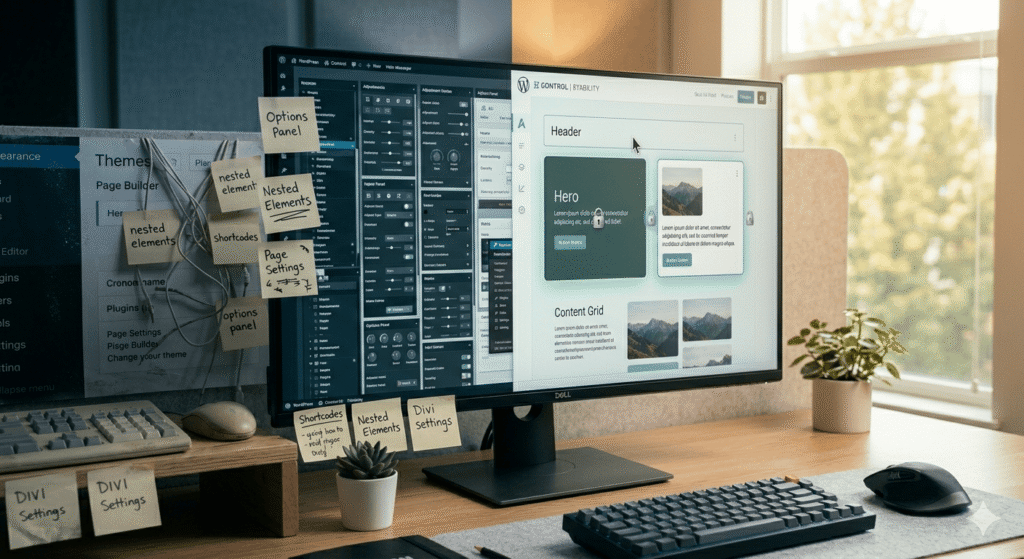
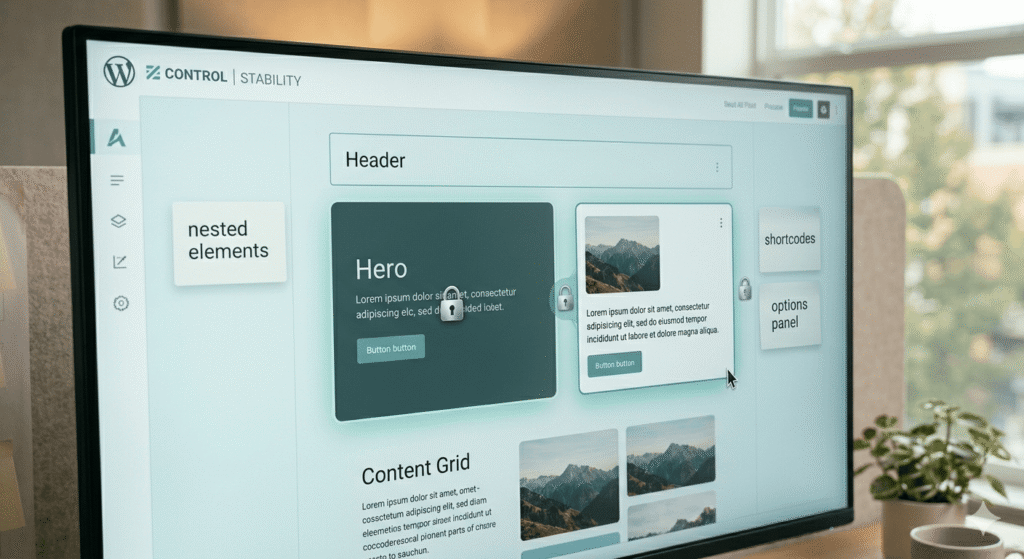
Block locking received meaningful upgrades. Site builders can now control with greater precision which blocks clients can edit, move, or delete, a capability that has historically sent developers reaching for third-party plugins or page builders just to protect layout integrity. When a client can accidentally dismantle a carefully constructed section with a single accidental click, that’s not just frustrating; it erodes trust in the tool. Tighter block locking addresses this directly.
Synced pattern management also saw real improvement. Patterns, reusable blocks of content that update everywhere they’re used when you edit the source, have been part of the block editor for a while, but managing them reliably has been clunky. The 6.8 refinements make synced patterns feel less like a beta feature and more like a mature workflow tool. For anyone building multi-page sites with consistent components (think headers, promotional banners, or repeated call-out sections), this is a genuine quality-of-life improvement.
And then there’s the Interactivity API, which has moved into a more stable state. This is the piece that makes the block editor relevant for sites that need dynamic, interactive front-end behavior without loading heavy JavaScript frameworks or relying on plugin ecosystems to fill the gap.
Why Page Builders Dominated in the First Place
To understand why these changes matter, it helps to remember why page builders became so popular. Elementor, Divi, and their peers didn’t win because WordPress developers secretly loved visual drag-and-drop interfaces. They won because the native WordPress editing experience, for a long time, genuinely couldn’t deliver what clients needed, visual control, layout flexibility, and enough guardrails to keep non-technical users from breaking things.
Page builders solved real problems. They also introduced real trade-offs: bloated code, theme lock-in, performance overhead, and a kind of fragility that comes from depending on a third-party plugin to render your entire site. Anyone who has inherited a site built on a deprecated page builder version knows exactly what kind of headache that creates.
Full Site Editing was WordPress’s answer to this, a native, block-based approach to controlling every part of a site, from header to footer, without needing a separate plugin to do it. The concept was sound from the start. The execution took time to catch up.
Where the Block Editor Stands Today
The Full Site Editing experience in WordPress has matured considerably since its earlier, rougher iterations. With 6.8, it’s fair to say the block editor has crossed a threshold that makes it genuinely viable for a much wider range of professional projects than it was before.
That doesn’t mean it’s the right tool for every situation. Complex e-commerce builds, highly custom interactive experiences, or sites with very specific design systems may still benefit from specialized tooling. But for a significant portion of client work, business sites, service providers, portfolios, informational sites, the native block-based workflow is now a legitimate and often preferable path.
The performance case for going block-native has always been strong. WordPress themes built on the native block editor, without a page builder sitting between the theme and the browser, tend to load faster and produce cleaner markup. As Google’s Core Web Vitals continue to factor into search visibility, that’s not a minor consideration.
At Sweet Mint Studio, we’ve been watching this shift closely and testing native block workflows on real projects. The difference in what’s possible today compared to even eighteen months ago is striking.
What This Means for Designers and Developers Making Tool Decisions
If you’re a designer or developer evaluating your stack for 2026, the WordPress 6.8 improvements are worth taking seriously, not as a reason to immediately abandon tools that are working for you, but as a signal about where the platform is headed.
The block editor world is increasingly rich with well-crafted block-based WordPress themes that work with the native editor rather than around it. Themes built to the modern block standard give designers visual flexibility while keeping the underlying code clean. The days of needing a third-party page builder to achieve a polished layout are genuinely becoming less common.
For developers who manage ongoing client relationships, the improved block locking in 6.8 also means it’s easier to hand off a finished site with appropriate guardrails in place, giving clients meaningful content control without the risk of structural chaos. That’s a workflow improvement that has practical value every day.
The Broader Shift Worth Paying Attention To
What’s happening with WordPress 6.8 is part of a longer arc in the web design and development world. The tools that once required plugins, workarounds, and specialized expertise to accomplish are increasingly being absorbed into the core platform experience. That’s good for the web broadly, it means more sites can be built well, maintained more easily, and handed off more cleanly.
It also means that the conversation about *how* to build a WordPress site is more nuanced than it used to be. The answer is no longer automatically “install a page builder and go.” It’s worth asking what the project actually needs, and whether the native block editor, especially with everything 6.8 brought to the table, might be the cleaner, more sustainable choice.
The web design world is shifting toward leaner, more standards-aligned approaches, and WordPress’s native tooling is finally moving fast enough to keep up with that shift. For site builders willing to invest time in understanding how the block editor works today, not how it worked in 2022, there’s a lot of capability waiting to be used.